 7 example outputs
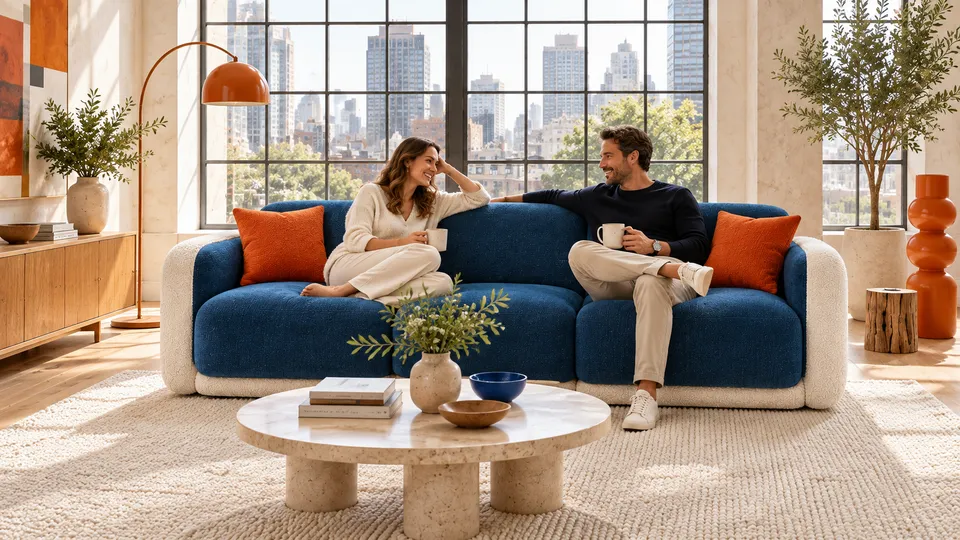
Good furniture deserves a fitting setting
Furniture PDP and room staging pack
3 reference images and product information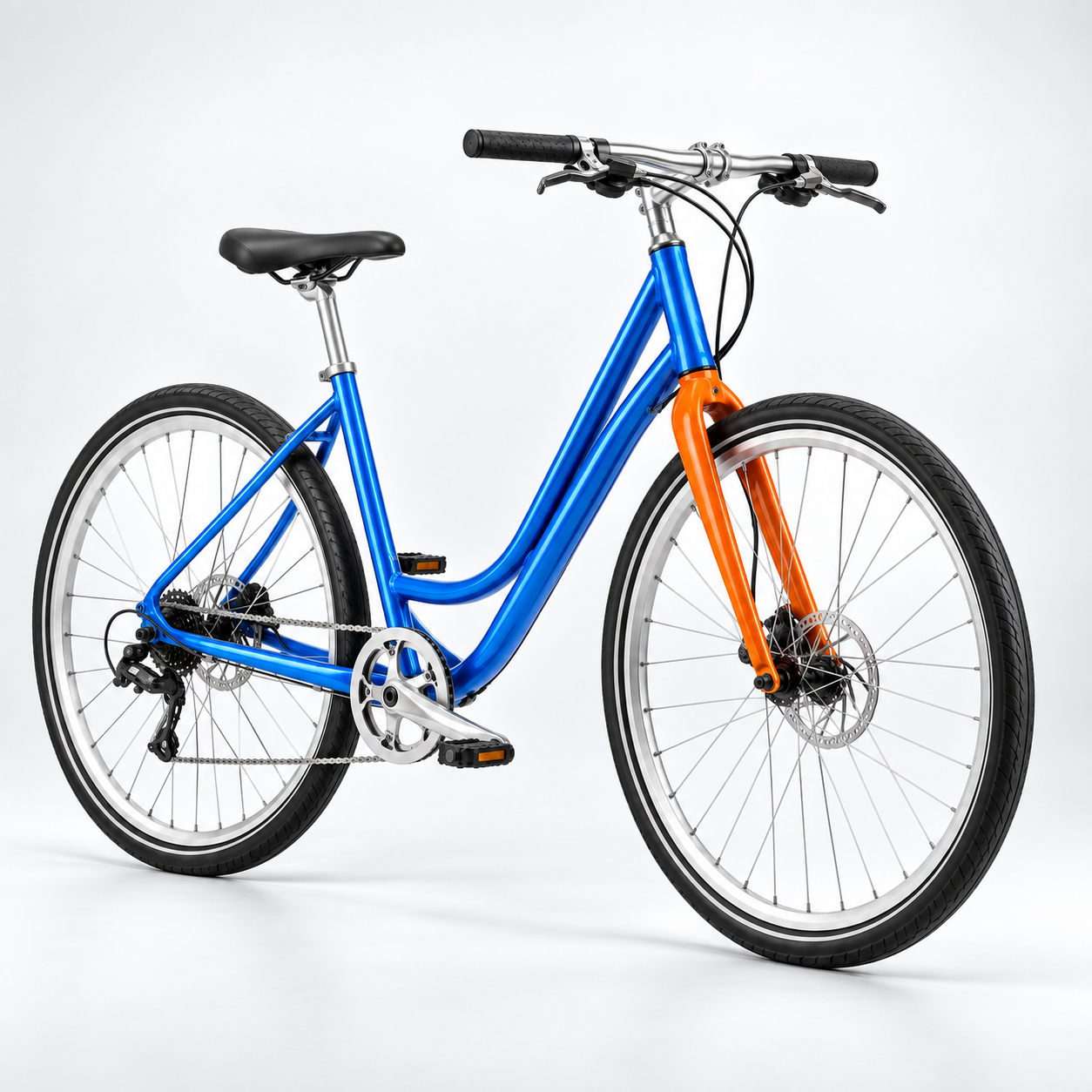
Studio product hero · 1 / 8
Published · Available · Version 1
Use Canvas Motion product masters, component details, and an adult Western rider as the only references. Preserve the electric-blue low-step frame, vivid orange rigid fork, bright silver parts, black saddle, and tires. Create PDP imagery, component details, non-numeric fit planning, European commuting, North American leisure, route comparisons, a Shopify aspect-ratio board, and static cycling storyboards. Riders must wear helmets correctly and act safely. Do not add speed, range, weight, braking, safety, or other performance claims.
Interface translations do not change template prompts, text in images, or the language of generated outputs.
Product image (Required)
Preserve the electric-blue low-step frame, vivid orange rigid fork, bright silver components, and complete two-wheel structure.
Component detail reference (Required)
Preserve the visible frame joints, fork, crank and pedals, mechanical disc, and tire tread.
Rider reference (Required)
Preserve the adult man, correctly worn white helmet, blue jacket, orange inner layer, and safe posture.
12 nodes · 8 outputs
Required models: openai/gpt-image-2
Existing examples are kept. After replacing assets, select the outputs you want to regenerate.
7 example outputsFurniture PDP and room staging pack
3 reference images and product information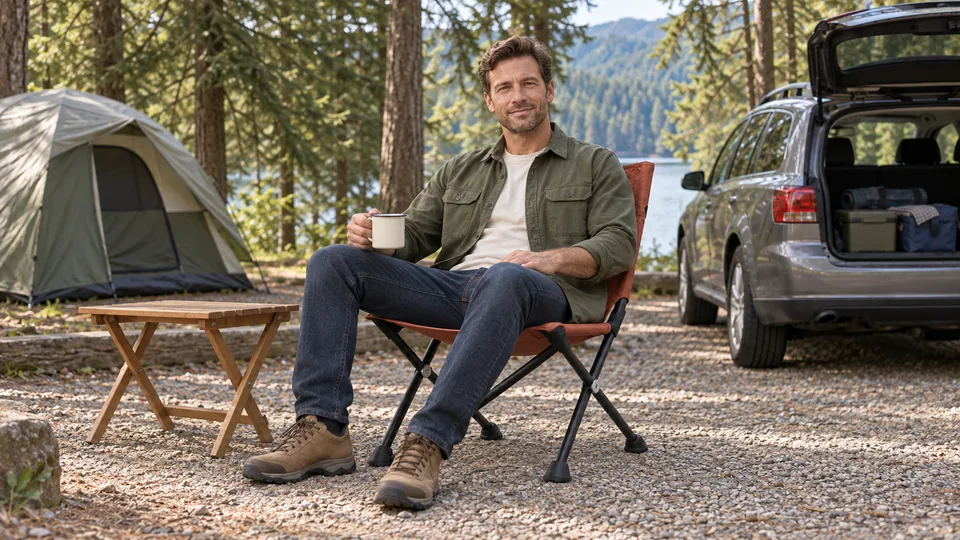 8 example outputs
Outdoor gear demonstrations and controlled challenges
3 reference images and product information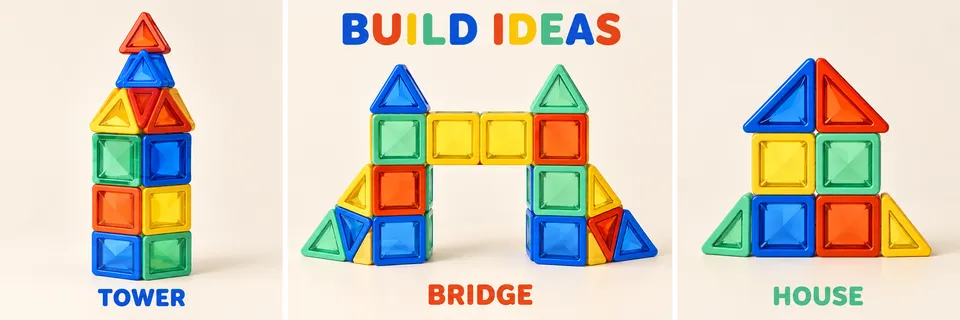 7 example outputs
Toy listings and creative building ideas
3 reference images and product information 8 example outputs
Original vehicle launch visuals and advertising storyboards
3 reference images and product information