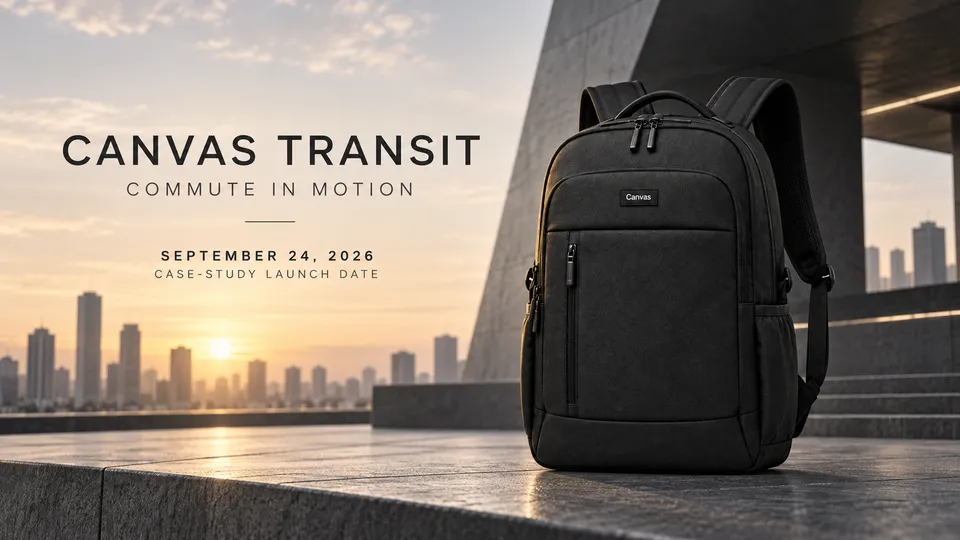
 7 example outputs
A product launch across channels
A product launch across channels
1 reference image and product information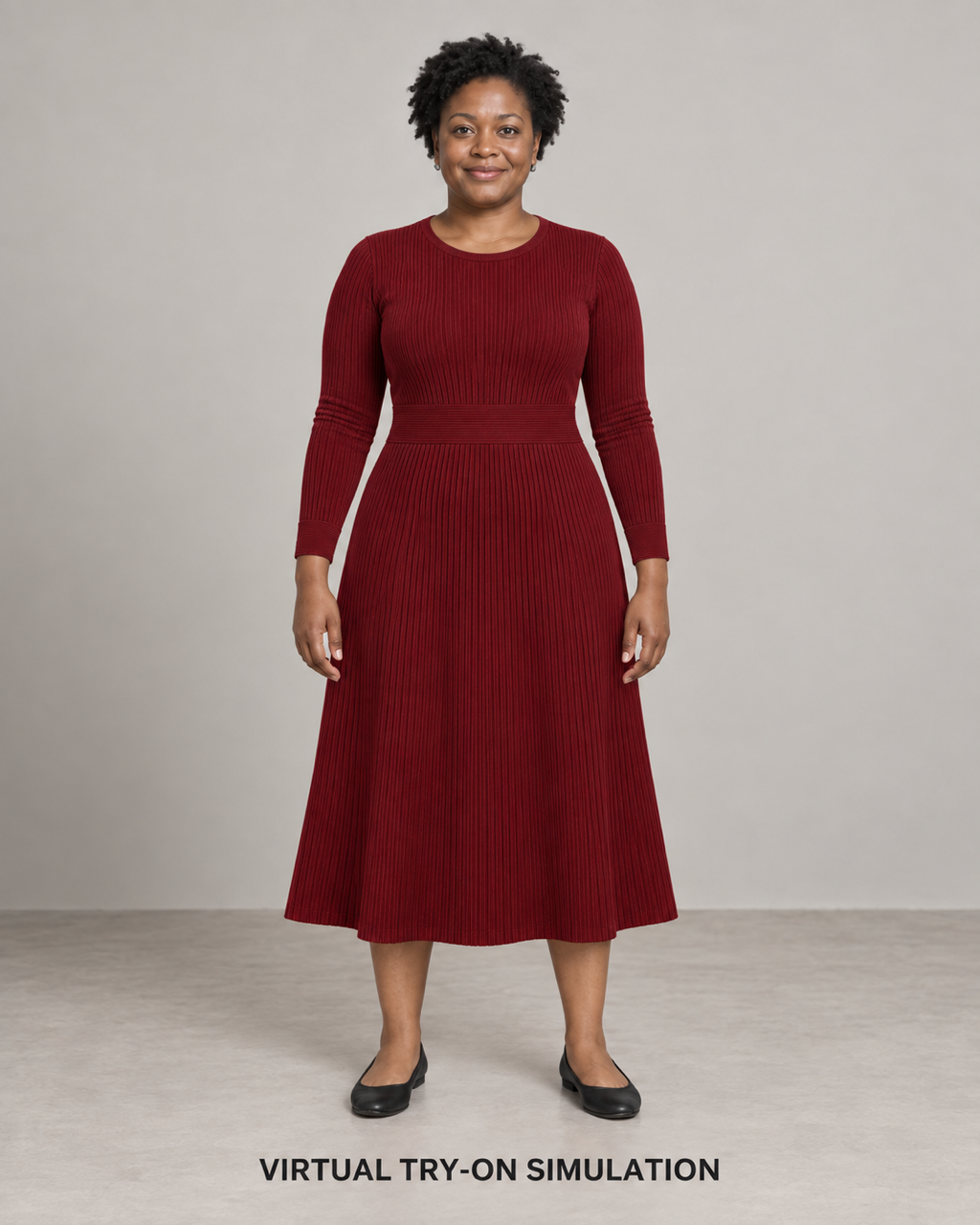
Standard virtual try-on · 1 / 7
Published · Available · Version 1
Use the burgundy Canvas Form fine-ribbed knit dress, material details, and three adult Western women as references to create standard virtual try-on, body-type comparisons, multiple views, dimensions, details, North American commuting, and size guides. All wearing results are visual simulations and do not establish actual fit, comfort, stretch, shaping, or size suitability.
Interface translations do not change template prompts, text in images, or the language of generated outputs.
Garment image (Required)
Preserve deep burgundy, a round jewel neckline, fitted long sleeves, fine vertical ribbing, the single 7 cm horizontal-ribbed natural-waist band, a soft A-line midi skirt, and a straight hem.
Fabric detail reference (Required)
Preserve visible texture at the neckline, vertical ribs, horizontal waistband, cuffs, and hem. Do not infer composition, stretch, care instructions, or performance.
Adult model references (Required)
Preserve Model A, B, and C’s adult identities, faces, hairstyles, and natural body-type differences. Later outputs must not change their identities.
11 nodes · 7 outputs
Required models: openai/gpt-image-2
Existing examples are kept. After replacing assets, select the outputs you want to regenerate.
7 example outputsA product launch across channels
1 reference image and product information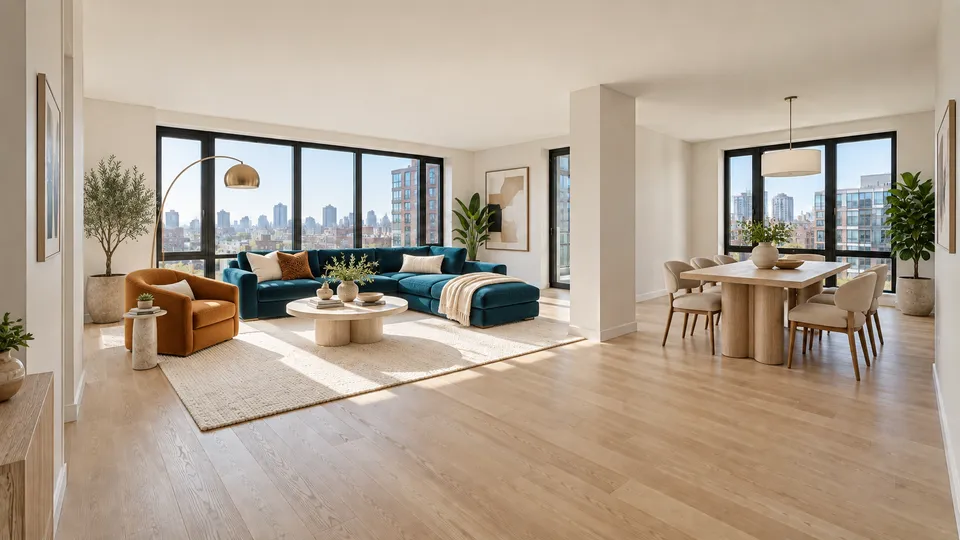 7 example outputs
Whole-home virtual staging and property marketing
3 reference images and product information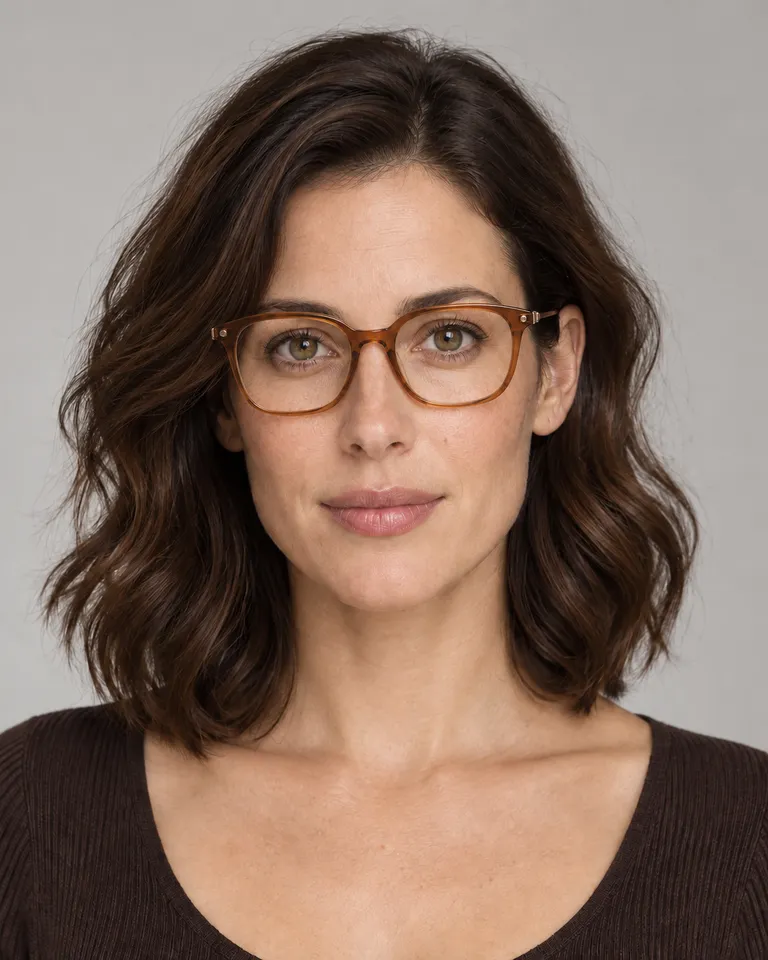 7 example outputs
Eyewear try-on and dimension guide
3 reference images and product information 7 example outputs
Furniture PDP and room staging pack
3 reference images and product information