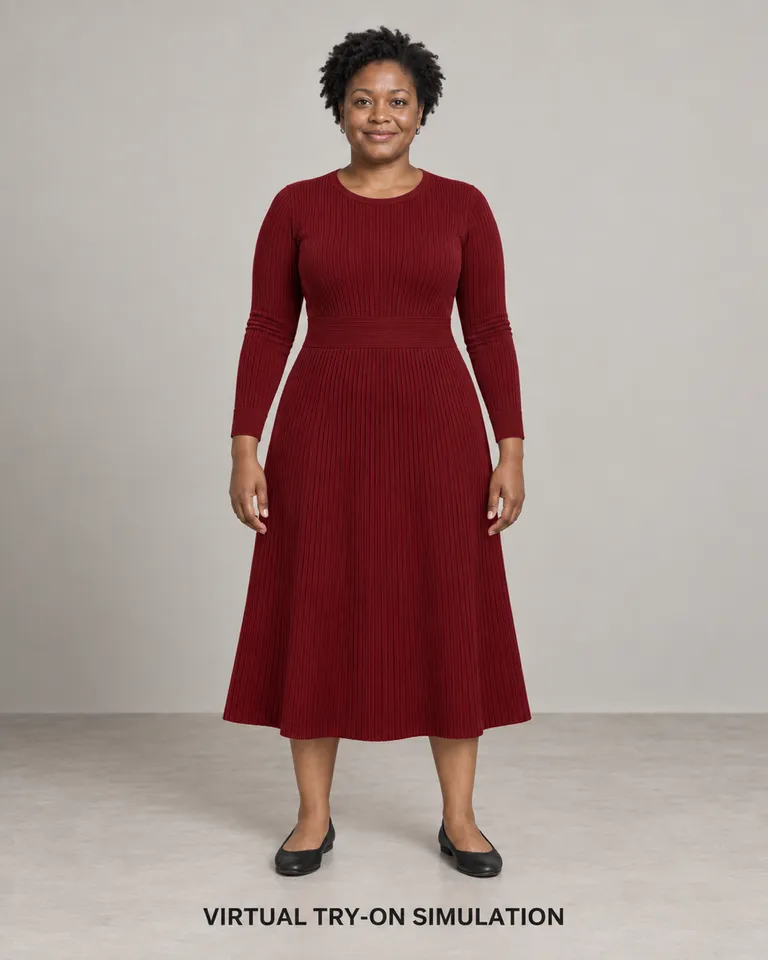
 7 example outputs
More ways to wear the same garment
Virtual apparel try-on and body-type comparison
3 reference images and product information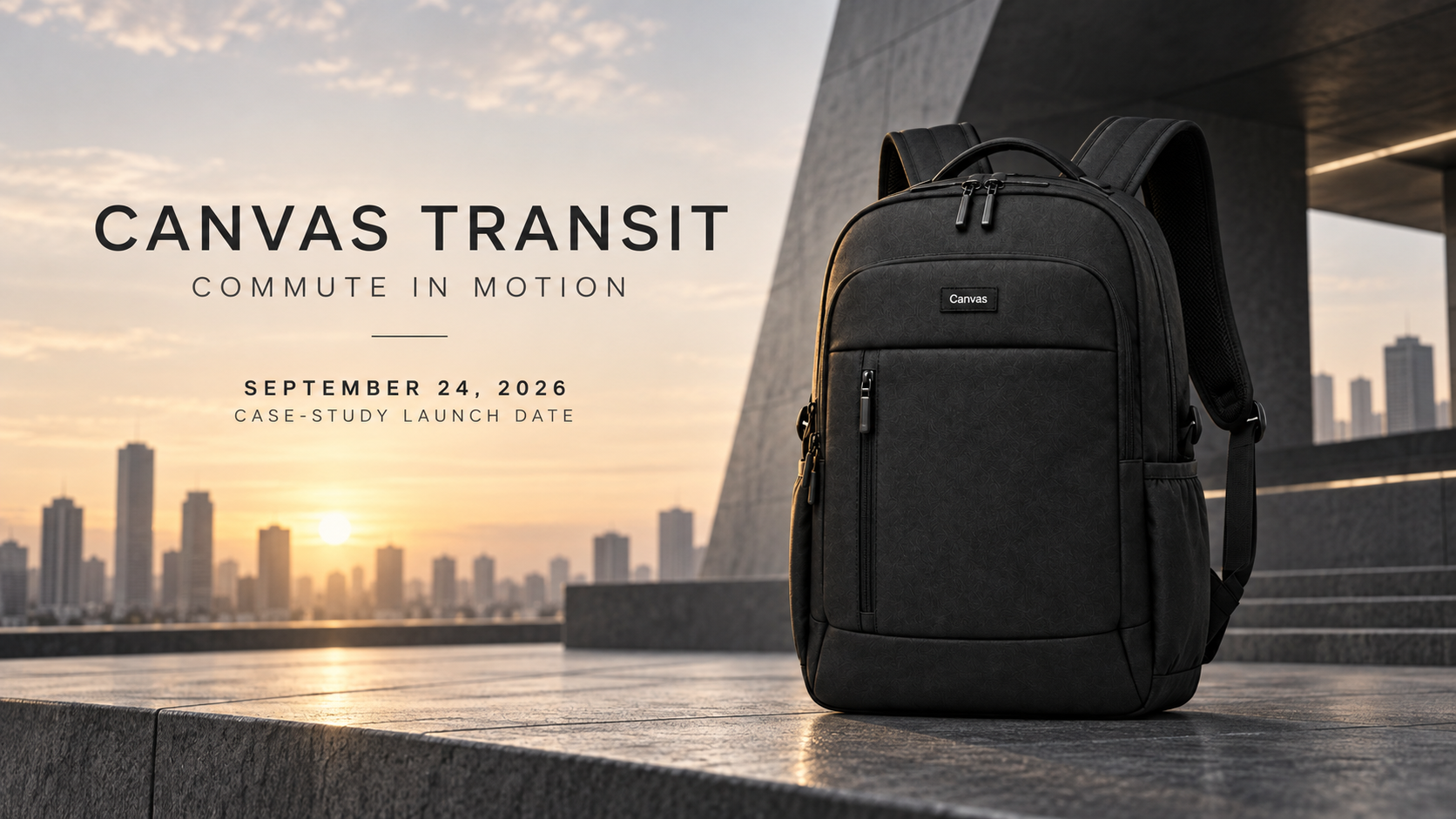
Cross-channel launch key visual · 1 / 7
Published · Available · Version 1
Use COMMUTE IN MOTION as a shared theme for launching the Canvas Transit commuter backpack across Amazon, Shopify, and social channels. Cover product identity, exterior structure, carrying context, light packing, and a continuous countdown sequence.
Interface translations do not change template prompts, text in images, or the language of generated outputs.
Multi-angle product reference (Required)
Product views that show the black body, top handle, padded shoulder straps, main-compartment zipper, front sections, side pockets, and Canvas brand mark.
9 nodes · 7 outputs
Required models: openai/gpt-image-2
Existing examples are kept. After replacing assets, select the outputs you want to regenerate.
7 example outputsVirtual apparel try-on and body-type comparison
3 reference images and product information 7 example outputs
Whole-home virtual staging and property marketing
3 reference images and product information 7 example outputs
Furniture PDP and room staging pack
3 reference images and product information 8 example outputs
Outdoor gear demonstrations and controlled challenges
3 reference images and product information