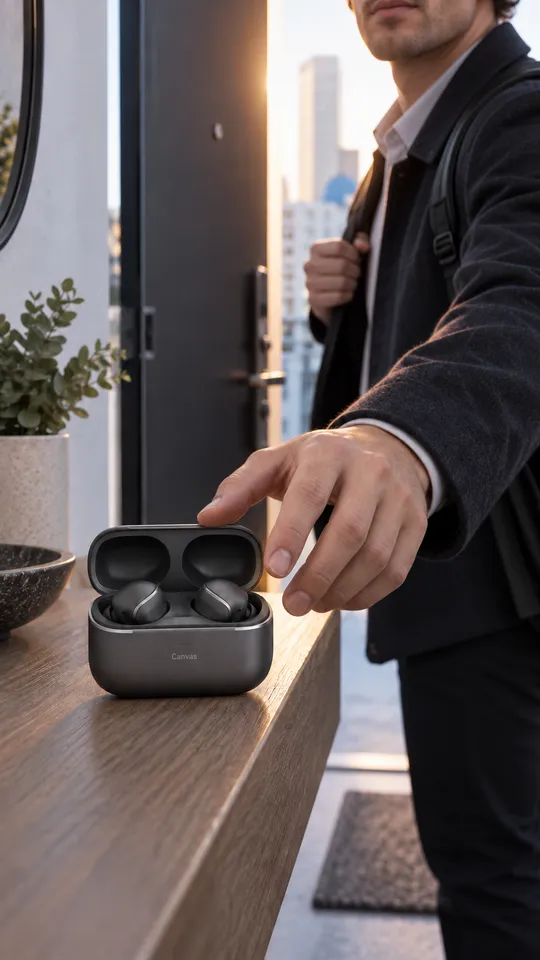
 6 example outputs
Meta and TikTok creative assets and adaptations
Meta and TikTok creative assets and adaptations
1 reference image and product information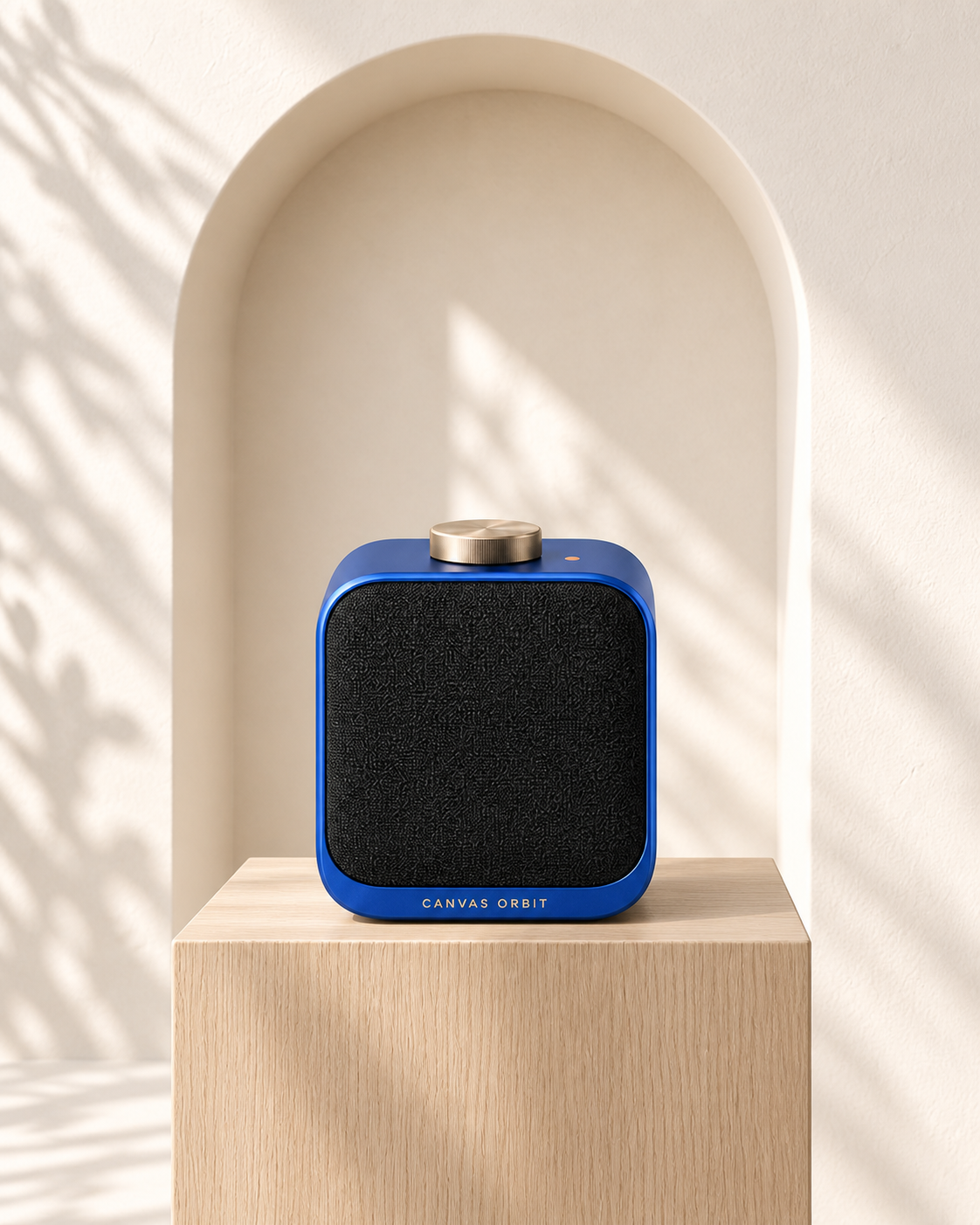
Architectural hero · 1 / 8
Published · Available · Version 1
Use the original Canvas Orbit desktop smart speaker master and brand moodboard to establish three consistent bright premium visual directions: architecture, geometry, and nature. Plan four-panel static loops with only subtle changes in shadows, turntable/camera position, or leaf shadows, then compile direction comparisons and Meta/TikTok ratio boards. All deliverables are static PNGs, not finished videos. Do not invent sound quality, power, connectivity, waterproofing, battery life, or awards.
Interface translations do not change template prompts, text in images, or the language of generated outputs.
Product image (Required)
Preserve the compact rounded body, cobalt-blue anodized aluminum shell, fine black acoustic mesh, single champagne-metal top knob, single tiny coral-orange status dot, and CANVAS ORBIT wordmark.
Brand moodboard (Required)
Preserve the bright restrained vocabulary of warm white, cream, light oak, cobalt blue, black mesh, champagne metal, and tiny coral accents.
11 nodes · 8 outputs
Required models: openai/gpt-image-2
Existing examples are kept. After replacing assets, select the outputs you want to regenerate.
6 example outputsMeta and TikTok creative assets and adaptations
1 reference image and product information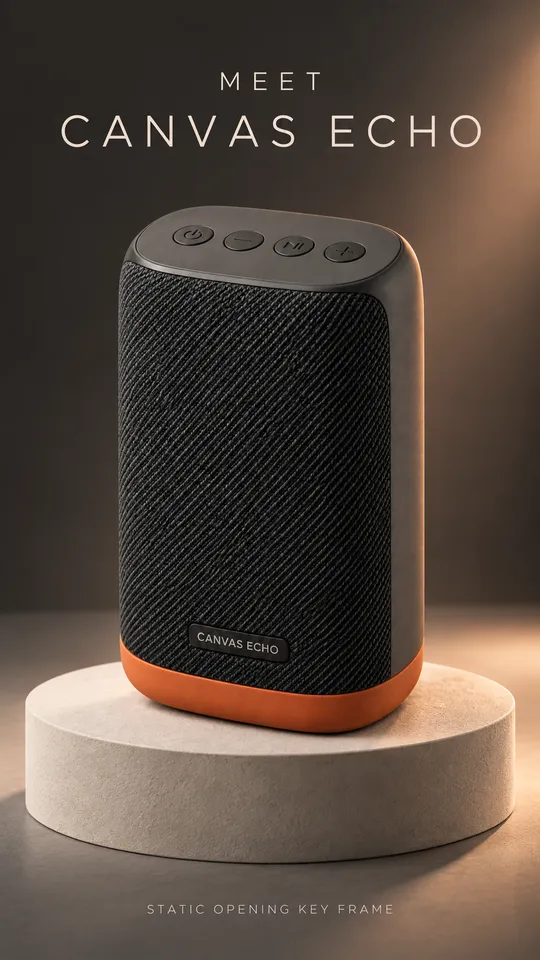 8 example outputs
Plan social videos from product images
2 reference images and product information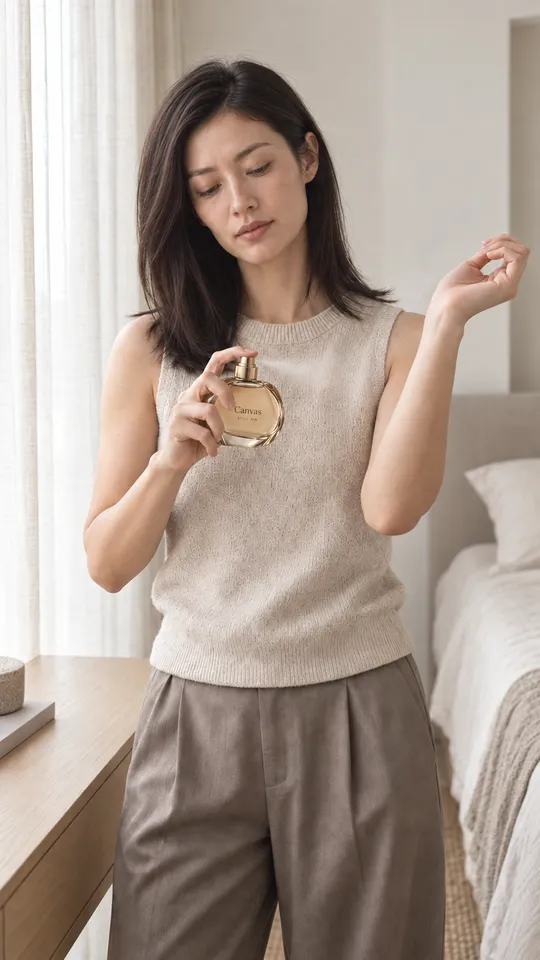 6 example outputs
Fragrance mood film asset pack
2 reference images and product information 7 example outputs
Furniture PDP and room staging pack
3 reference images and product information