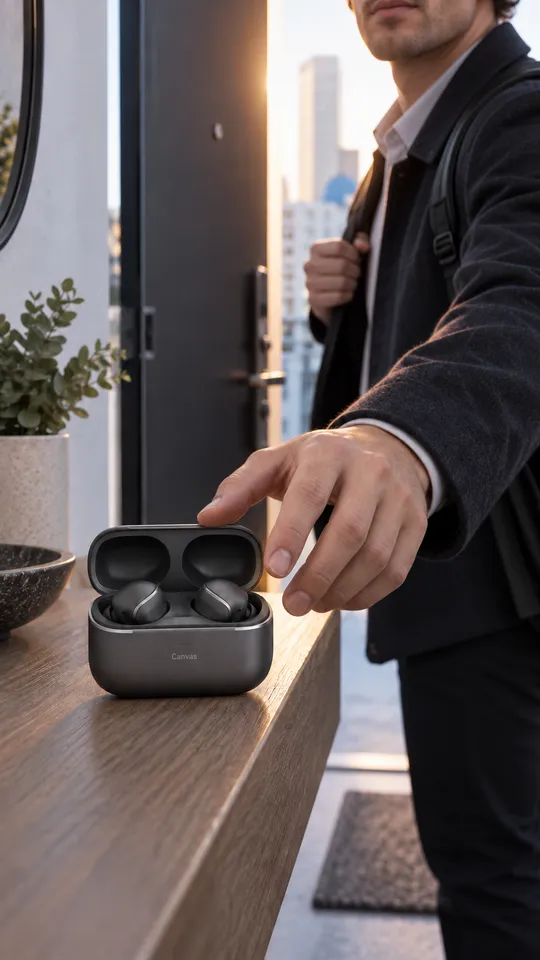
 6 example outputs
Meta and TikTok creative assets and adaptations
Meta and TikTok creative assets and adaptations
1 reference image and product information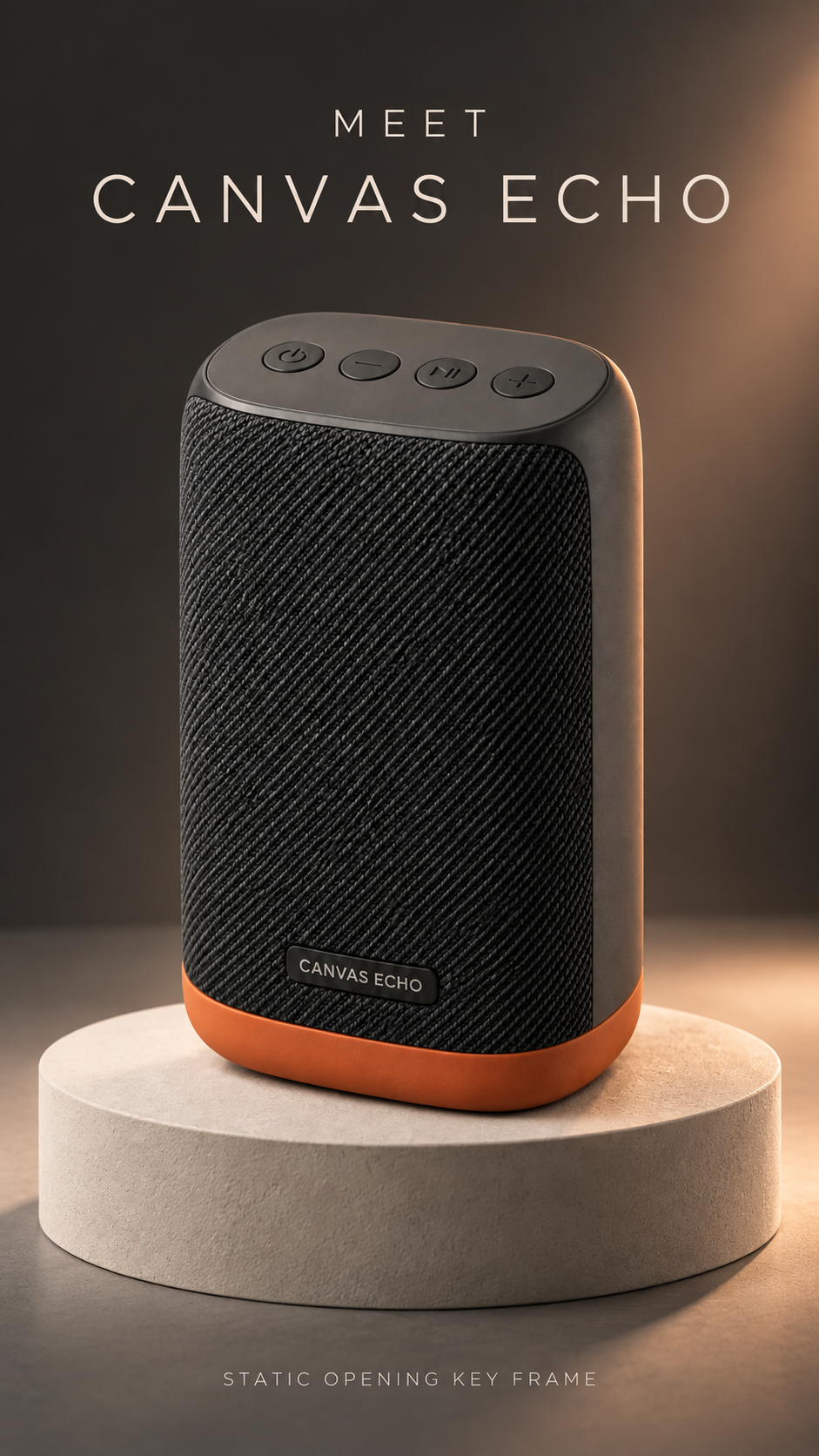
Opening keyframe · 1 / 8
Published · Available · Version 1
Use Canvas Echo portable speaker masters and North American/Nordic scene-lighting boards to create vertical hooks, orbit and detail sequences, indoor/outdoor transitions, caption-safe frames, covers and endings, and 15-second/6-second edit structures. All deliverables are static keyframes, storyboards, or editing plans, not finished videos. Do not invent sound quality, battery life, waterproofing, connection range, or outdoor performance.
Interface translations do not change template prompts, text in images, or the language of generated outputs.
Product image (Required)
Preserve the charcoal upright rounded body, black diagonal mesh, terracotta-orange base ring, black oval top control area, four-button order, and CANVAS ECHO nameplate.
Scene and lighting reference (Required)
Preserve the scene and lighting vocabulary of a Nordic apartment, charcoal studio, dry North American city park, and soft window shadows.
11 nodes · 8 outputs
Required models: openai/gpt-image-2
Existing examples are kept. After replacing assets, select the outputs you want to regenerate.
6 example outputsMeta and TikTok creative assets and adaptations
1 reference image and product information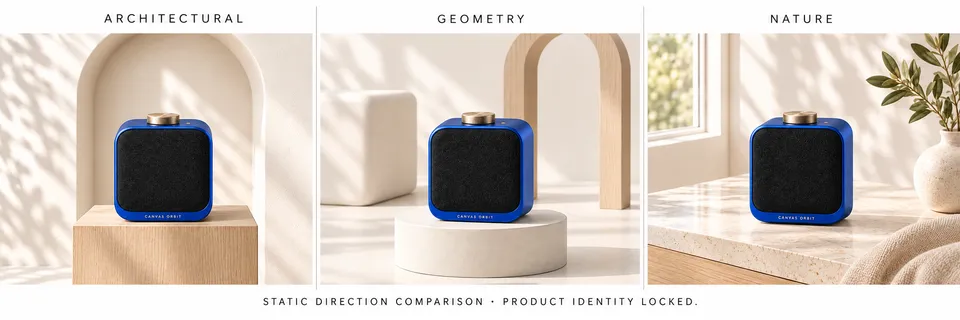 8 example outputs
Plan looping product posters
2 reference images and product information 6 example outputs
Fragrance mood film asset pack
2 reference images and product information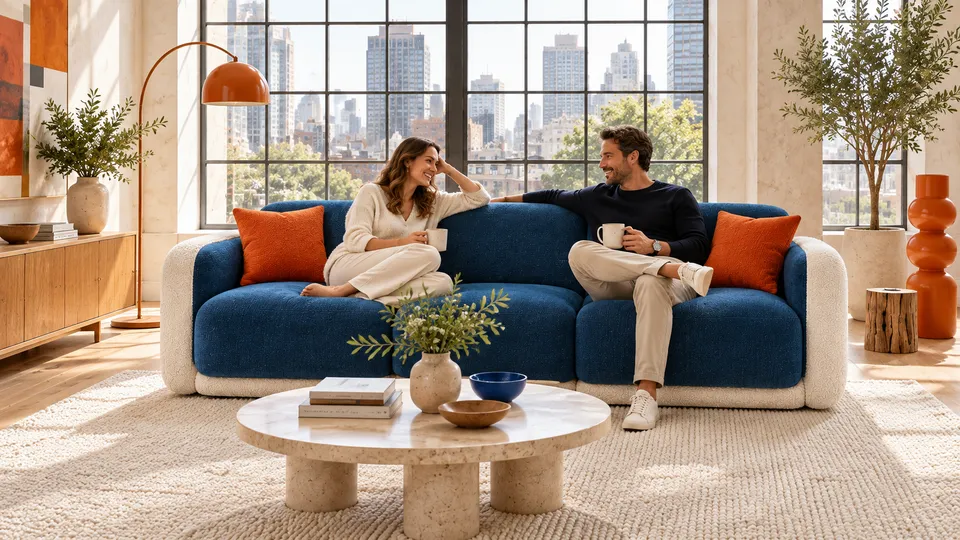 7 example outputs
Furniture PDP and room staging pack
3 reference images and product information