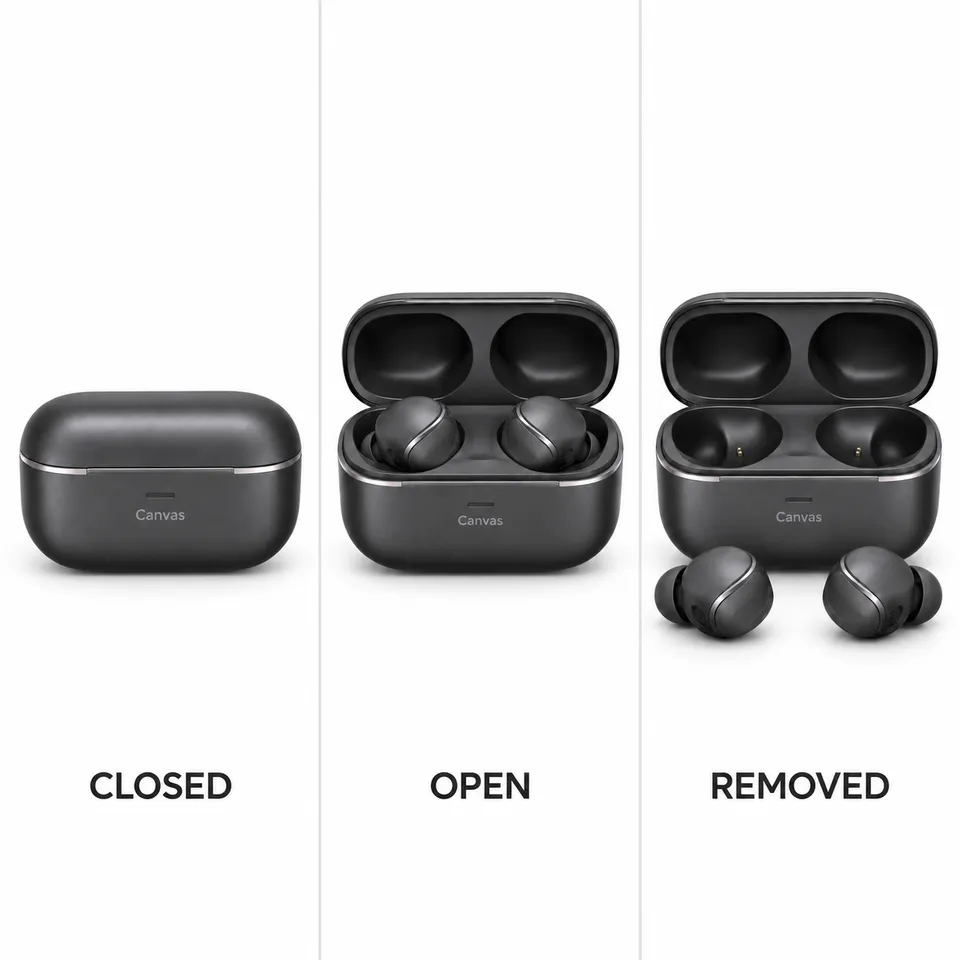
 5 example outputs
Earbud wearing and operation demonstrations
Earbud wearing and operation demonstrations
1 reference image and product information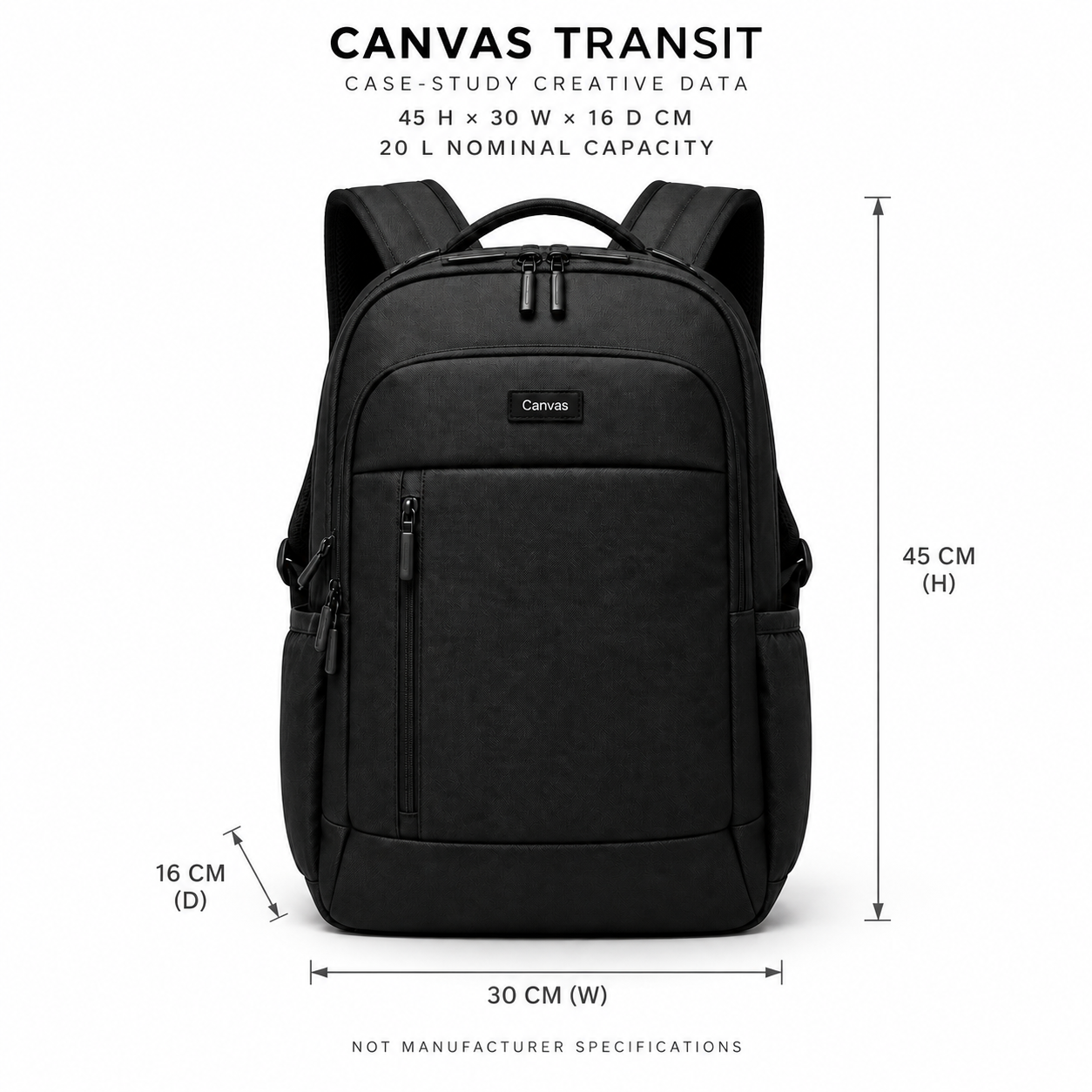
Dimension and capacity master · 1 / 7
Published · Available · Version 1
For Amazon, Shopify, and Meta, use Canvas Transit exterior images and example interior images to create a dimension and capacity master, compartments, 0/5/8-item loading, loose-to-packed comparisons, body scale, carrying modes, and commuting storyboards. All numbers, people, and fit relationships are explicitly example creative materials requiring brand review before publication, not manufacturer specifications or performance conclusions.
Interface translations do not change template prompts, text in images, or the language of generated outputs.
Product exterior (Required)
A clear front image preserving the black bag, handle, shoulder straps, two main zippers, front sections, vertical zipper pocket, side pockets, and Canvas mark.
Example interior (Required)
An empty interior view preserving the main compartment, rear sleeve, front organizer, vertical zipper pocket, and two open side pockets. This is example creative material, not a manufacturer structural drawing.
10 nodes · 7 outputs
Required models: openai/gpt-image-2
Existing examples are kept. After replacing assets, select the outputs you want to regenerate.
5 example outputsEarbud wearing and operation demonstrations
1 reference image and product information 7 example outputs
Eyewear try-on and dimension guide
3 reference images and product information 7 example outputs
Furniture PDP and room staging pack
3 reference images and product information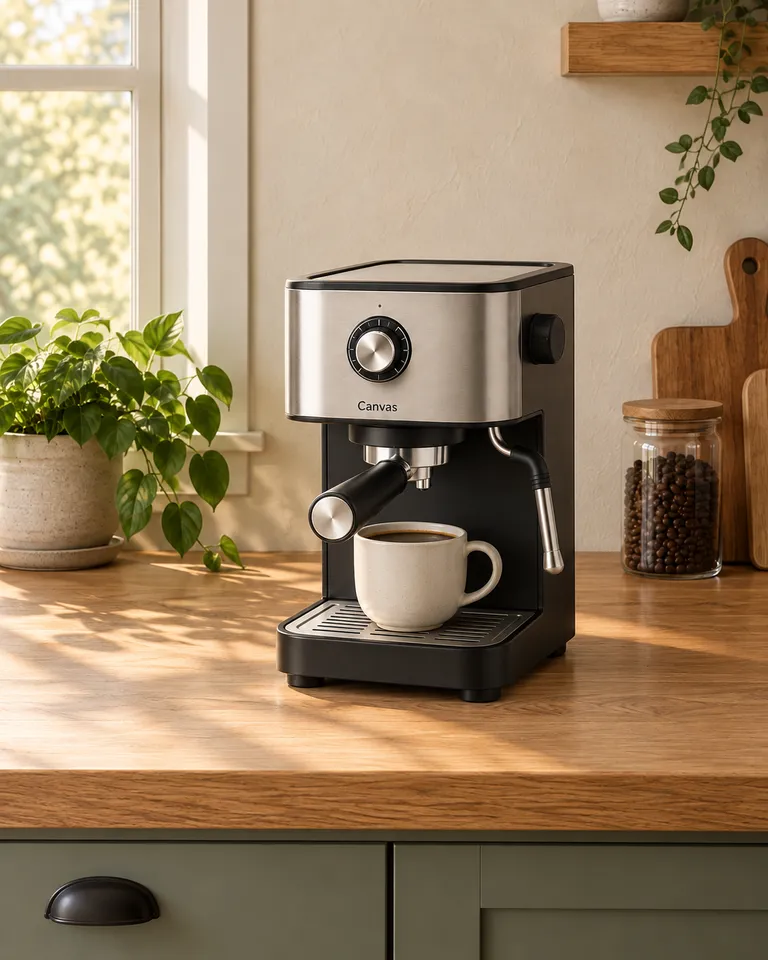 7 example outputs
Canvas Crema operation and morning content pack
2 reference images and product information