 7 example outputs
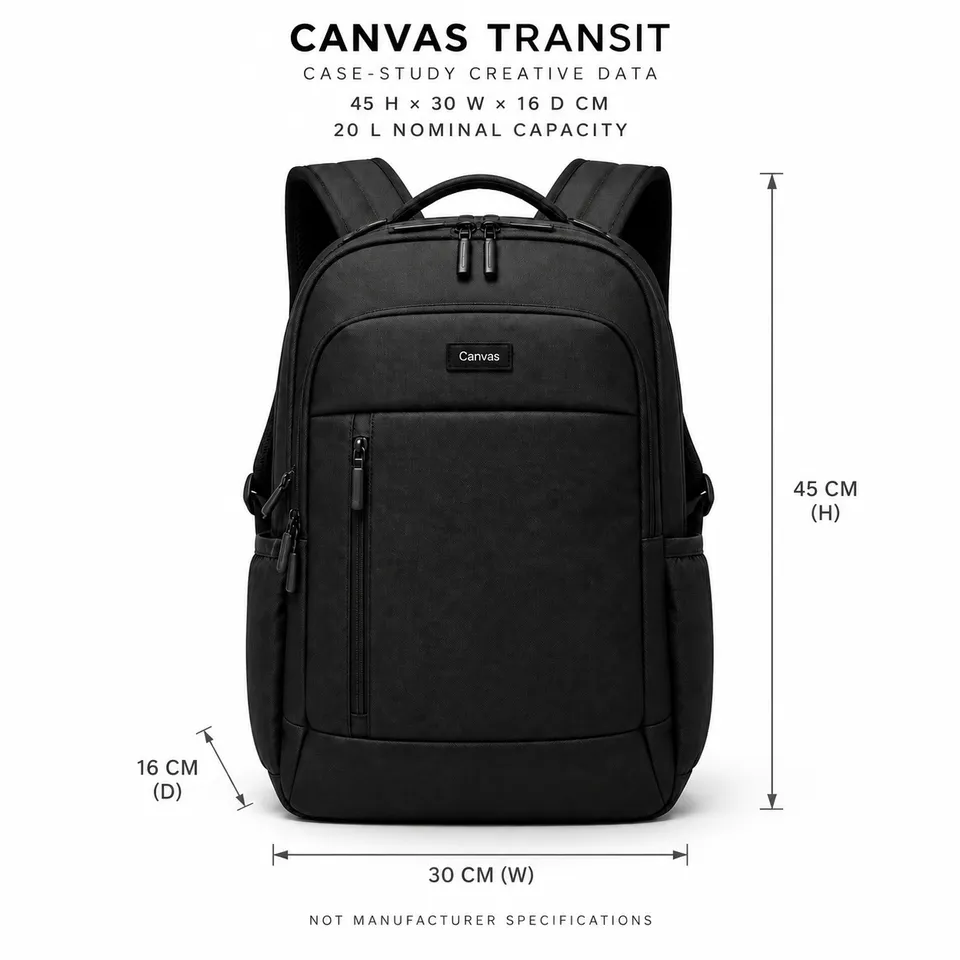
Commuter backpack capacity, scale, and packing
Commuter backpack capacity, scale, and packing
2 reference images and product information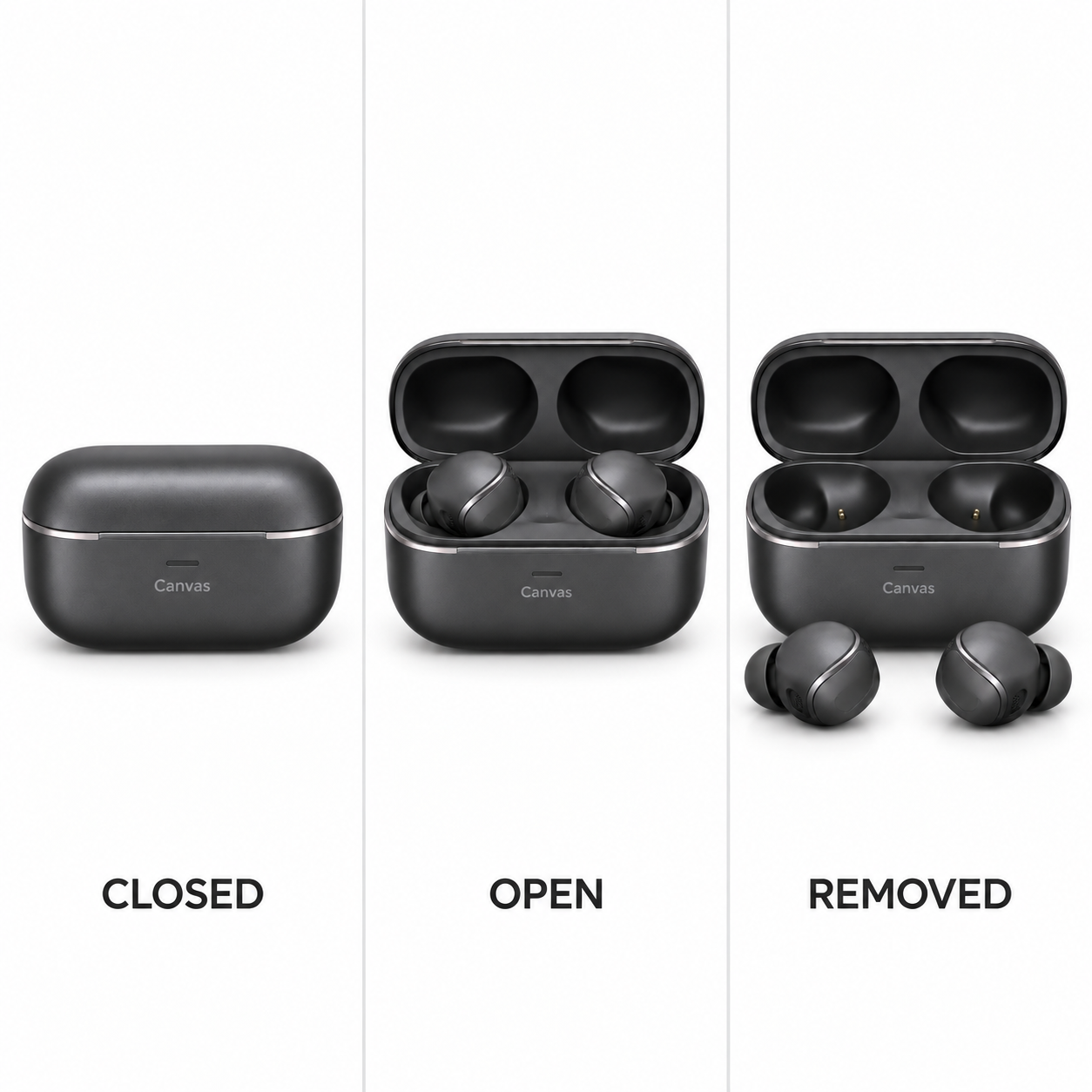
Product state comparison · 1 / 5
Published · Available · Version 1
For Amazon and TikTok, use Canvas Air product views and the Canvas Example Creative Operation Guide V02 to create product states, conceptual wearing angles, exterior components, wearing actions, and commuting storyboards. Show only visible structure and example actions. Do not invent dimensions, ports, connectivity, performance, comfort, or fit guarantees.
Interface translations do not change template prompts, text in images, or the language of generated outputs.
Multi-angle product images (Required)
Show the same charging case and pair of earbuds in closed, open with earbuds inside, and open with earbuds removed states to preserve appearance, quantity, and visible components.
7 nodes · 5 outputs
Required models: openai/gpt-image-2
Existing examples are kept. After replacing assets, select the outputs you want to regenerate.
7 example outputsCommuter backpack capacity, scale, and packing
2 reference images and product information 7 example outputs
Eyewear try-on and dimension guide
3 reference images and product information 7 example outputs
Furniture PDP and room staging pack
3 reference images and product information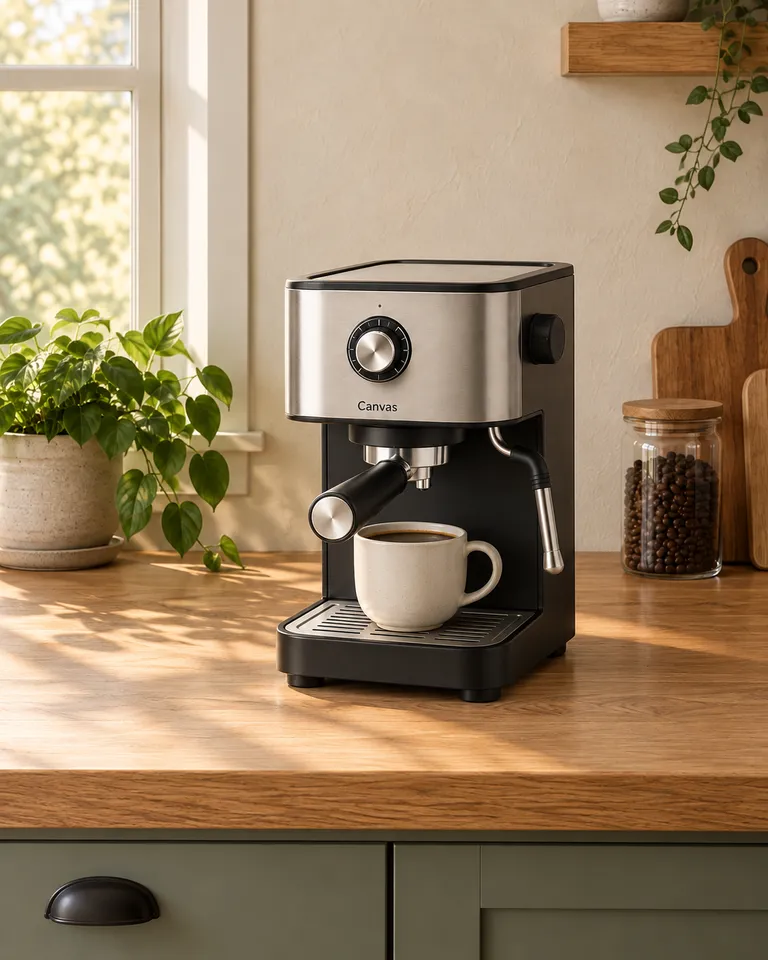 7 example outputs
Canvas Crema operation and morning content pack
2 reference images and product information