 7 example outputs
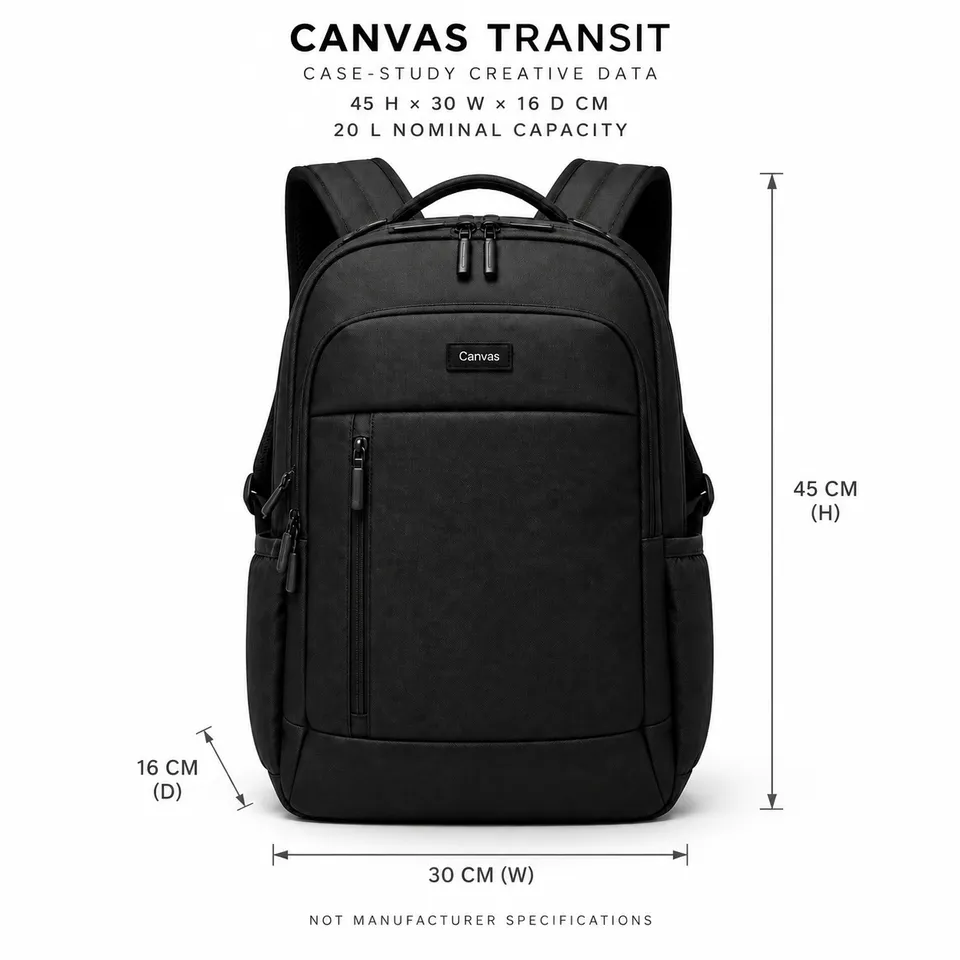
Commuter backpack capacity, scale, and packing
Commuter backpack capacity, scale, and packing
2 reference images and product information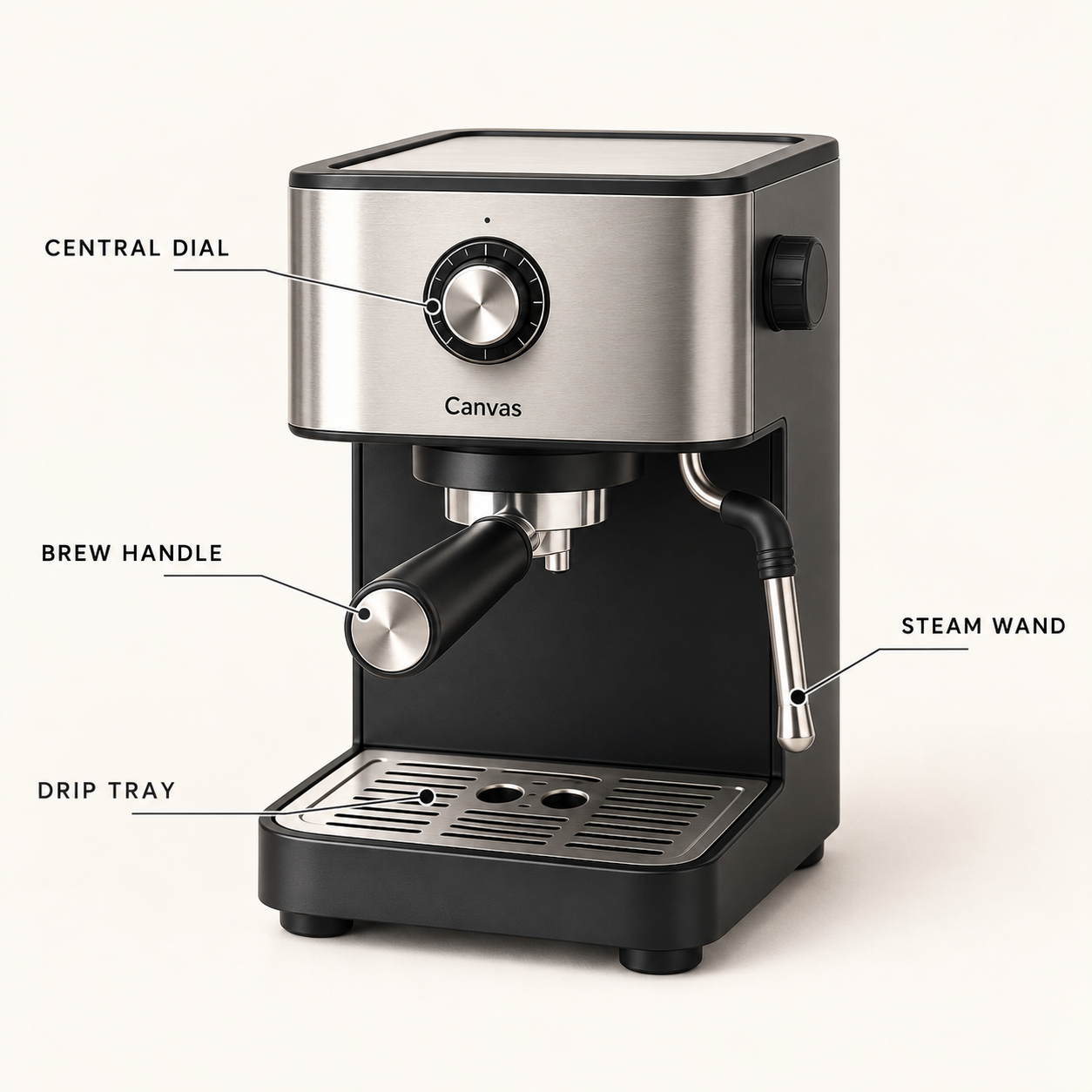
Machine appearance overview · 1 / 7
Published · Available · Version 1
Use product views and a kitchen reference to create Canvas Crema coffee machine appearance guides, observable operating states, countertop planning, and a continuous morning content pack. Clearly distinguish visible facts, fictional example inputs, and unknown performance information.
Interface translations do not change template prompts, text in images, or the language of generated outputs.
Multi-angle product images (Required)
Confirm the visible appearance, component positions, and branding of the same black-and-silver coffee machine. These images do not establish internal structure or performance.
Kitchen reference (Required)
A morning lifestyle reference preserving cream walls, a light oak countertop, morning light from the left, and the arrangement of objects.
10 nodes · 7 outputs
Required models: openai/gpt-image-2
Existing examples are kept. After replacing assets, select the outputs you want to regenerate.
7 example outputsCommuter backpack capacity, scale, and packing
2 reference images and product information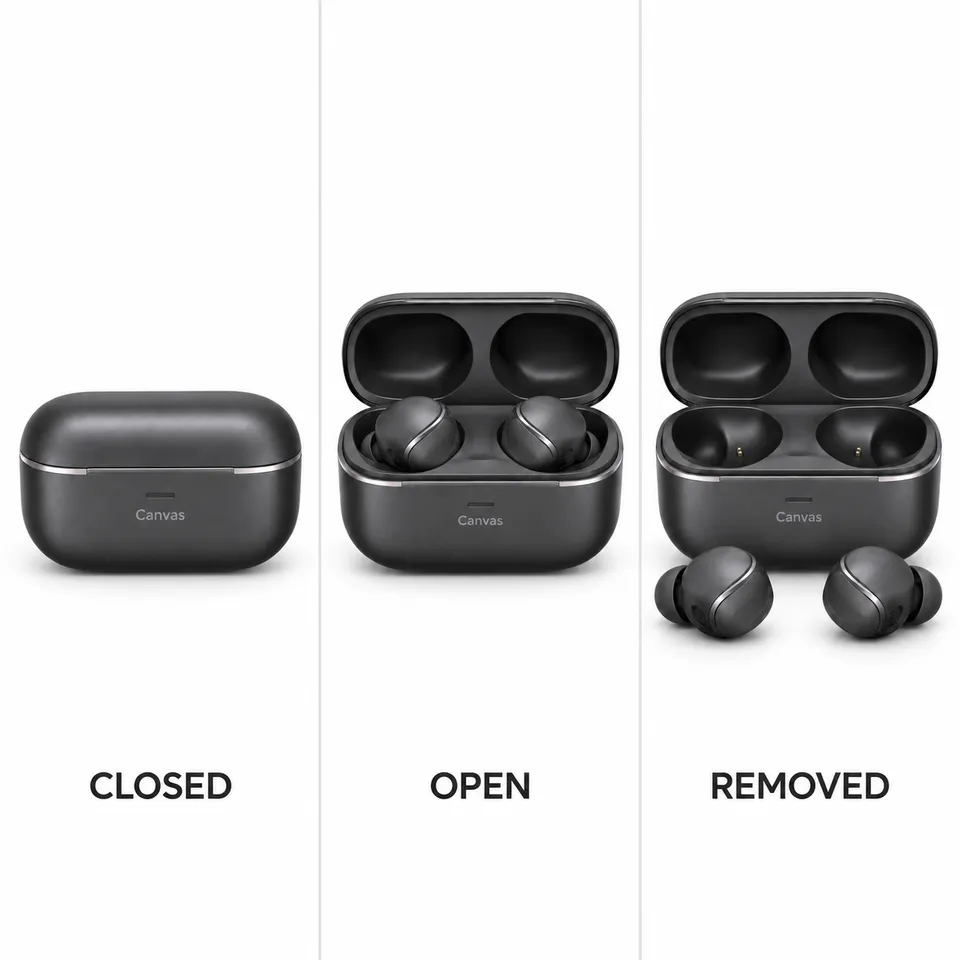 5 example outputs
Earbud wearing and operation demonstrations
1 reference image and product information 7 example outputs
Eyewear try-on and dimension guide
3 reference images and product information 7 example outputs
Furniture PDP and room staging pack
3 reference images and product information